






Why now
Everyday work agents can take on
- 01
An agent takes a goal and does the work
The agent plans its own steps. It looks data up, fills forms in and submits them. It also writes documents, meeting notes and emails.
- 02
Agents can work at any hour
An agent works 24 hours a day and is always on call. It speaks many languages and can write code.
- 03
The difference between companies is now how well they use AI
Companies that are great at AI give everyday work to agents. Staff make the judgment calls and review the agent's work.
Industry scenarios
Industry scenarios
- 01Manufacturing
Rush-order scheduling
- Problem
- High-mix rush orders are scheduled from senior staff's experience, and departments often work from different information.
- What Asgard does
- The agent reads the scheduling rules and exceptions, queries live material and work-order data, and proposes a schedule. Before it changes a work order, it stops for approval.
- Outcome
- Schedules follow live material status, and every department sees the same information.
- 02Supply chain
Inventory and purchasing
- Problem
- Physical stock and ERP data don't match, purchasing decisions go wrong and cash sits in inventory.
- What Asgard does
- The agent compares physical stock with system data and forecasts purchasing needs. When material runs short, it prepares the purchase order and stops for approval before it submits.
- Outcome
- Stock figures match, and purchasing starts from forecast demand instead of waiting for a shortage.
- 03Retail · demonstration project
Store stock transfer
- Problem
- On Sunday night the POS day-end close shows that a best seller at the flagship store will sell out tomorrow. At retailers like this, a transfer order used to come only after the store manager reported on Monday and the operations team met.
- What Asgard does
- The agent uses semantic models to check stock and promotions across stores, the distribution centre and e-commerce, and finds stores that can transfer stock and a restock option. Before the transfer orders, the restock purchase order and the promotion change are written back, the agent stops for the operations manager's approval.
- Outcome
- Sindri gathers the transfer, the restock, the limited promotion and the restock note for the store manager into one decision pack. Only after the operations manager approves them together on Monday morning does the agent write back to the systems.
- 04Multi-brand e-commerce
One back office for many brands
- Problem
- With several brands, products, orders, stock and sync errors end up in different places to check one by one.
- What Asgard does
- Connect SHOPLINE and bring every brand's products, orders, stock and exceptions into one back office, with AI assistants splitting the work.
- Outcome
- AI assistants can act, but every write needs a person's approval before it takes effect.
- 05Public relations
Responding to issues
- Problem
- When an issue breaks, spotting it, reading it and drafting a reply are all manual, so responses lag.
- What Asgard does
- Track hot topics across news, social media and forums, read the trend, then draft statements and social posts in the brand's established voice.
- Outcome
- When an issue appears, the team starts from a draft and reviews it.
- 06Media
From trend to publication
- Problem
- Planning, writing, images and publishing are all manual, so content arrives after the trend has passed.
- What Asgard does
- Detect trends, write, add images and publish in several formats to each platform, as one fixed workflow.
- Outcome
- Production keeps pace with trends, and editors spend their time on review and judgement.
- 07Enterprise knowledge
SOPs and technical documents
- Problem
- Know-how and SOPs are scattered across shared folders, email and paper, and key skills leave with the people who hold them.
- What Asgard does
- Documents, spreadsheets and interviews become the wiki and the procedures, then skills the agents use. Gaps go out as tickets to the department that owns the answer.
- Outcome
- Knowledge updates sync to the agents without a redeployment.
- 08Logistics & admin
Cross-system admin work
- Problem
- Logistics scheduling and data updates across systems still depend on people copying data and filling in forms.
- What Asgard does
- The agent signs in to each system as the staff member, looks data up, fills forms in and updates schedules. For web systems with no API, it drives a browser.
- Outcome
- Staff review what the agent prepared, and approve or reject it.
- 09Your industry
Your company
See customer casesNot your industry? The customer cases page shows Asgard rollouts in other industries.
Rollout
How the rollout works
- 01
Discovery
The FDE team interviews your team and collects how your company works and its documents. - 02
Ask the AI consultant
The FDE team asks the AI consultant to put these documents onto the Asgard Platform. The AI consultant is a coding agent with asgard-cli loaded. - 03
Write the settings
The AI consultant reads the LLM Wiki in asgard-cli. Then it writes your procedures as agent settings. The settings are stored in your Asgard workspace. - 04
Deploy
The AI consultant deploys the settings to Asgard Platform.
Compare
Asgard and other enterprise AI tools
- Built in
- Partly
- Not supported
- Not documented
? = term explained
| Capability | AsgardAsgard AI | ChatGPT EnterpriseOpenAI | Claude EnterpriseAnthropic | Microsoft CopilotMicrosoft |
|---|---|---|---|---|
| Company-standard agentsFor each job, everyone in the company uses the same agent. The company's rules, skills, semantic models and permissions are written once and shared by every agent and report. | Built in IT or an writes the rules, , and permissions once, for the whole company. Each job gets one agent with only the skills it uses. The FDE builds the agents and hands them over to your IT. calculates with the same definitions. | Partly Semantic layer built separately | Partly No business definitions documented | Partly Semantic model link in preview |
| Cloud and on-premisesSome companies cannot put their data in a public cloud and must run systems in their own data centre. | Built in The cloud edition is live. The is delivered as a custom build and runs in your data centre or private cloud. | Not documented Data residency only | Partly Models via your cloud account | Not supported Cloud service only |
| Model managementControl and audit of model usage | Built in Every model call in the company goes through , from agents, internal systems and coding tools. Each key records its group and use case, and has its allowed models and token limit. Calls stop at the limit. Usage splits by key, group, use case and model. Issuing keys, changing quotas and revoking sessions are written to the audit log. | Partly API usage not covered | Partly Per person or group only | Partly Models on or off per vendor |
| Isolated environment and sign-inAgents work in an isolated environment and can sign in to company systems. | Built in Each task gets its own , deleted when it ends. The agent opens a browser in it, and staff sign in to company systems with their own accounts. | Not supported Cloud browser cannot sign in | Partly Browser on the user's computer | Partly Early access, no intranet |
Compiled from each vendor's public information in October 2026. The vendors' latest announcements take precedence.
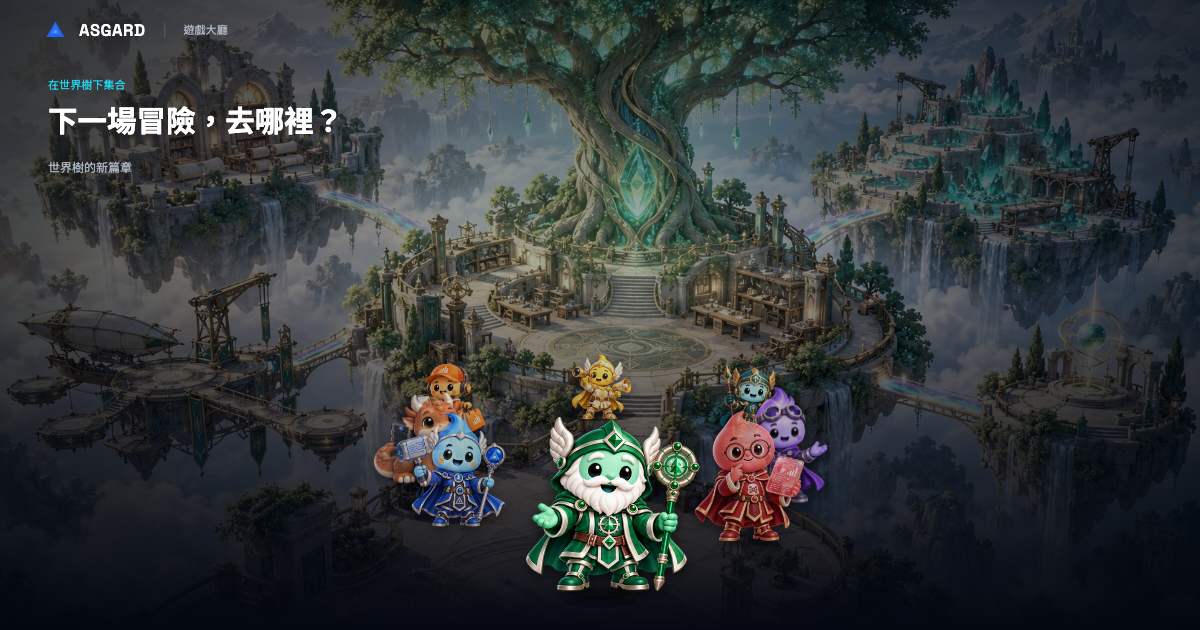
Asgard AI Worlds
Game Hall
Bifrost battle preview and Adventure Guide
Learn about AI agents through adventure
Book a two-hour workshop
AI feasibility review of a live workflow